Journal
Websites for seasonal businesses on Mersea, in Tiptree and Dedham Vale
When trade swings with the seasons and the tides, your website has to keep up. Here is how to make that easy.
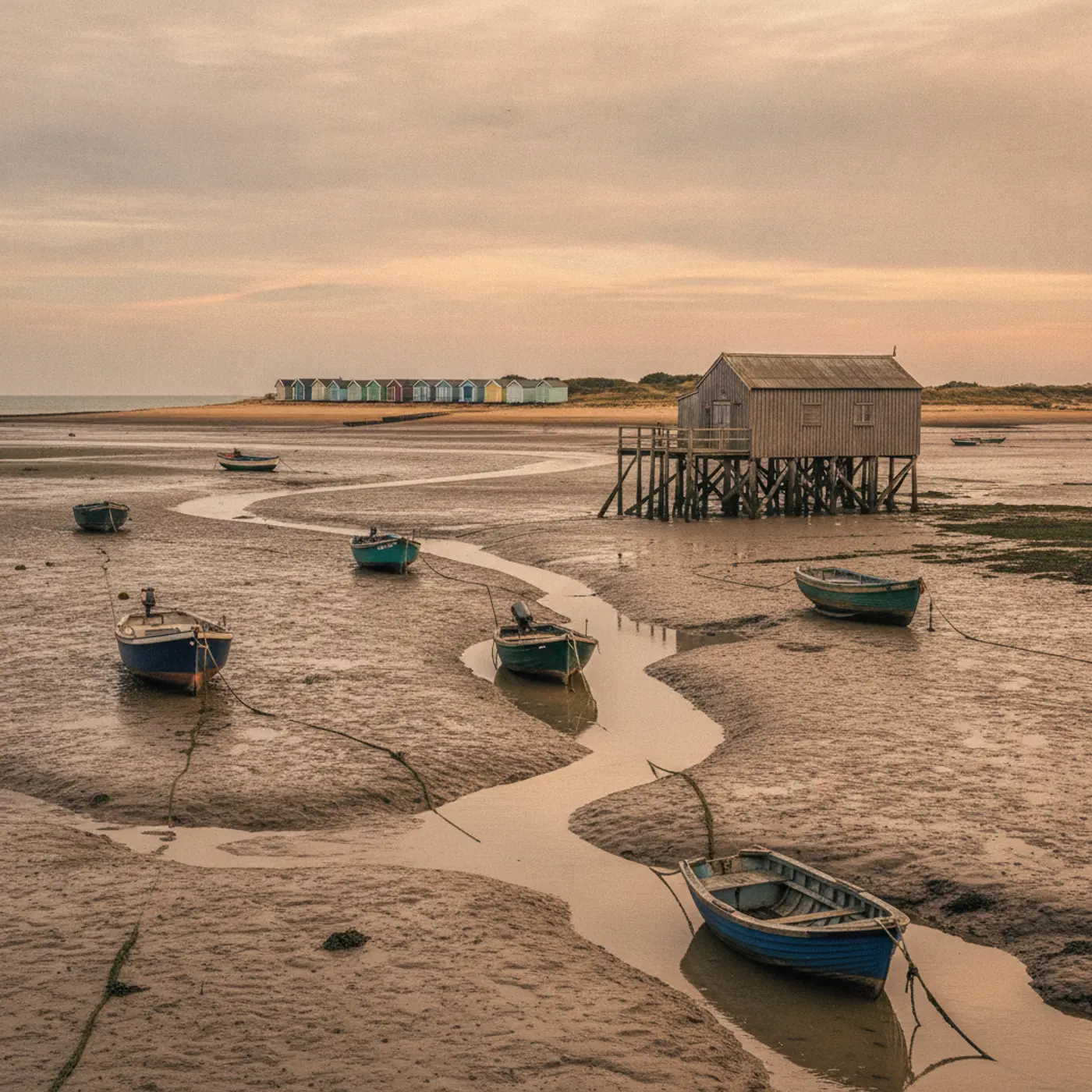
A lot of businesses around Colchester do most of their trade in a few months of the year. Cafes and seafood stalls on Mersea Island, at the mouth of the Blackwater. Fruit growers and farm shops around Tiptree, where Wilkin & Sons has made its preserves since 1885. Tearooms, walking guides and holiday cottages in Dedham Vale, known as Constable Country. For all of them, the website has a harder job than for a business with steady year-round trade.
It has to be completely accurate in the busy season, keep earning in the quiet months and be easy to change when plans shift because of weather, harvests or tides. Here is how we approach it.
Accuracy first
The most common complaint visitors have about seasonal businesses online is simple: the information is wrong. Opening hours from last year, a summer menu in November, a "now open" banner in January. Every one of those costs trust and sometimes a wasted journey.
The fix is mostly about how the site is built:
- Put changeable information in one place. Opening hours, seasonal notices and prices should be stored once and shown wherever they are needed, so you only update them once.
- Make editing quick from a phone. If changing your hours means logging into a laptop and wrestling with a page builder, it will not happen on a busy Saturday. A simple editing screen does.
- Use scheduled notices. Set a "closed for the season from 1 November" message in September and let it appear automatically.
- Keep Google in step. Update special hours in your Google Business Profile at the same time as the website. Many visitors never reach your site; they check Maps.
This is mainly a build decision. On a WordPress site, for example, hours and notices can live in a single settings screen that feeds every page, rather than being typed into five places.
Practical information visitors need
Seasonal customers are often first-time visitors who have travelled some distance. They need practical details more than polished slogans:
- How to get there and where to park. Be specific. If the car park is small and fills quickly on summer weekends, say so and suggest an alternative.
- Tide information on Mersea. The Strood, the tidal causeway that links the island to the mainland, floods at high tide and can be impassable for a period either side of high water. A link to tide times and a sentence of advice can save visitors a lot of frustration, and keeps them safe.
- What is available right now. For a fruit farm near Tiptree, a simple "what is ready this week" section is more useful than any amount of brand copy.
- Accessibility. Step-free access, toilets, dog policies and baby changing are the questions people actually ask.
- Booking or not. Say clearly whether people need to book, and make it easy if they do.
A worked example
Here is a hypothetical case. A small cafe on Mersea opens from Easter to October and at weekends through winter. Its current site has a single "About" page, a Facebook link and hours that were last updated two years ago.
A seasonal rebuild might include:
| Page or feature | Purpose |
|---|---|
| Home page with today's hours and a notice bar | Answers "are you open?" in two seconds |
| Getting here, with a tide times link | Stops wasted journeys and unsafe crossings |
| Menu as an editable page | Changes with the catch and the season |
| Winter opening page | Keeps the cafe visible in the quiet months |
| Gift card or voucher page | Earns money in December for visits in spring |
| Email sign-up | "Tell me when you reopen for the summer" |
The owner updates two things each season (hours and menu) and switches the notice bar on when the weather closes them. Everything else stays put.
Earning in the quiet months
The off-season does not have to be dead time online. Use it to:
Take bookings for next season
Holiday lets, venues and boat trips can open next year's calendar early. Gift vouchers sell well before Christmas for experiences that happen in spring and summer.
Sell online
A farm shop or producer can keep selling preserves, hampers and gifts through an online shop all year. A cafe could sell gift cards. An artist in Dedham can sell prints through the winter. Keep the range small and the delivery terms clear; a short, well-photographed shop beats a sprawling one.
Build your list
Collect email addresses from customers during the busy season with a simple, honest sign-up: "We will email you when we reopen and when the strawberries are ready." A short message at the right moment brings people back. Keep it to a handful of emails a year and people will stay subscribed.
Write useful content
Winter is a good time to write the articles that help visitors plan: walks from your door, what to do on a rainy day nearby, a guide to the oyster season, the best times to visit for birdwatching on the estuary. These pages bring in search traffic from people planning trips, often months ahead. Write about what you genuinely know, and check any facts before you publish them.
Design that works on a phone, outside
Most seasonal visitors look you up on a phone, often in a car park, on a beach or on a patchy rural signal. That means:
- Fast loading. Large, unoptimised images are the most common cause of slow sites. We compress images and serve the right size for each screen.
- High contrast. Text has to be readable in bright sunlight.
- Big, obvious buttons for calling, directions and booking.
- Key information near the top: today's hours and the main action.
Dealing with sudden changes
Bad weather, a poor harvest, a staff shortage or a flooded causeway can change plans at short notice. Have a plan for telling customers:
- A site-wide notice bar you can switch on and edit in seconds
- A matching update on your Google Business Profile
- A post on whichever social channel your customers actually use
Keep the wording short and practical: what has changed, for how long, and what people should do instead.
A note on seasonal search
Search interest for seasonal businesses rises and falls with the year. People start searching for summer holidays and days out weeks or months in advance. Make sure your seasonal pages are live and up to date well before the season starts, not on opening day, so search engines have time to find them. If you are planning a new site, aim to launch in winter, not in May.
The seasonal calendar
| When | What to do online |
|---|---|
| Autumn | Schedule the closing notice; open vouchers for Christmas; plan winter content |
| Winter | Write planning guides; open next season's bookings; fix anything that annoyed customers |
| Late winter | Update hours, prices and menus for the season; refresh photos |
| Spring | Check Google hours and special dates; send the "we are open" email |
| Summer | Keep "what's on now" current; collect email sign-ups; reply to reviews |
The practical takeaway
The best seasonal websites we see are not the flashiest. They are accurate, quick, practical and easy for the owner to update. Before the next season, check three things: can you change your hours from your phone in under a minute, does your site answer "how do I get there and when are you open" on the first screen, and is there anything to buy or book in the quiet months?
For listing tips, see our Google Business Profile guide, and for food and drink specifics, the restaurant and cafe website checklist.
We build websites for businesses across Mersea Island, Tiptree and Dedham Vale, and we support them through the year with local SEO. If your current site makes seasonal changes harder than they should be, tell us about it.
More from the journal
A website checklist for Colchester restaurants, cafes and pubs
A practical website checklist for Colchester restaurants, cafes, pubs and bars: menus, bookings, opening hours, accessibility, local search and the details diners look for.
22 September 2026Google Business Profile: a practical guide for Colchester businesses
How Colchester businesses can set up and improve their Google Business Profile: categories, service areas, photos, reviews, posts and the common mistakes that cost local enquiries.
8 September 2026How much does a small business website cost in Colchester?
What a small business website costs in Colchester, what drives the price, what ongoing costs to expect and how to avoid paying for things you do not need.
Got a website that needs to pull its weight?
Tell us what the business does and what the site needs to achieve. We reply within one working day with honest next steps.